

How to Create
Your Christmas Wishlist
Learn how to create Christmas wishlist, add gifts, and share it with loved ones in minutes. Wishes makes the whole process simple for you and your family.
All You Want
for Christmas in One Wishlist
Create
Christmas Wishlist
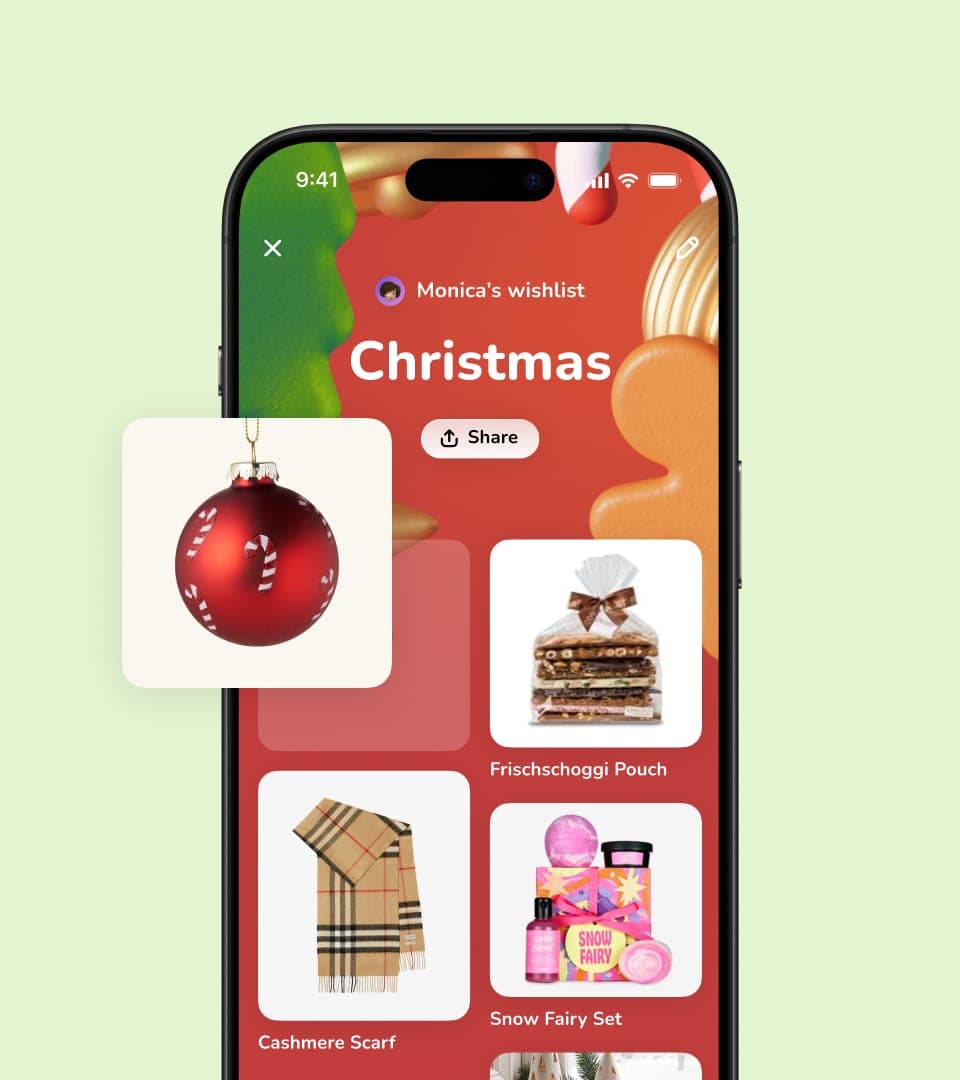
Add items from any store by pasting links, sharing them to Wishes from your phone or typing ideas manually. You can keep everything in one wishlist.
Share with
Family and Friends
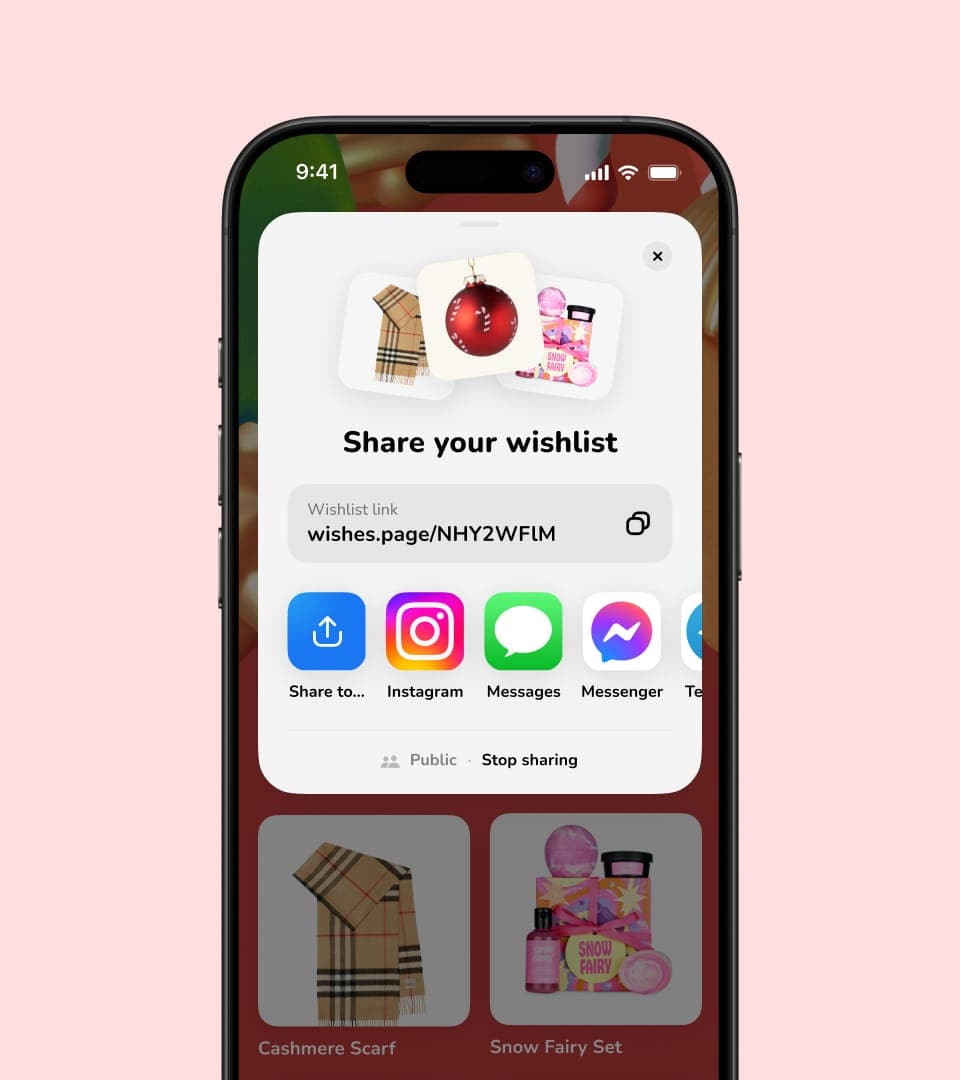
Send your wishlist via any messenger, email, or any app you like. Your loved ones can view it without creating an account.
Enjoy the
Right Gifts
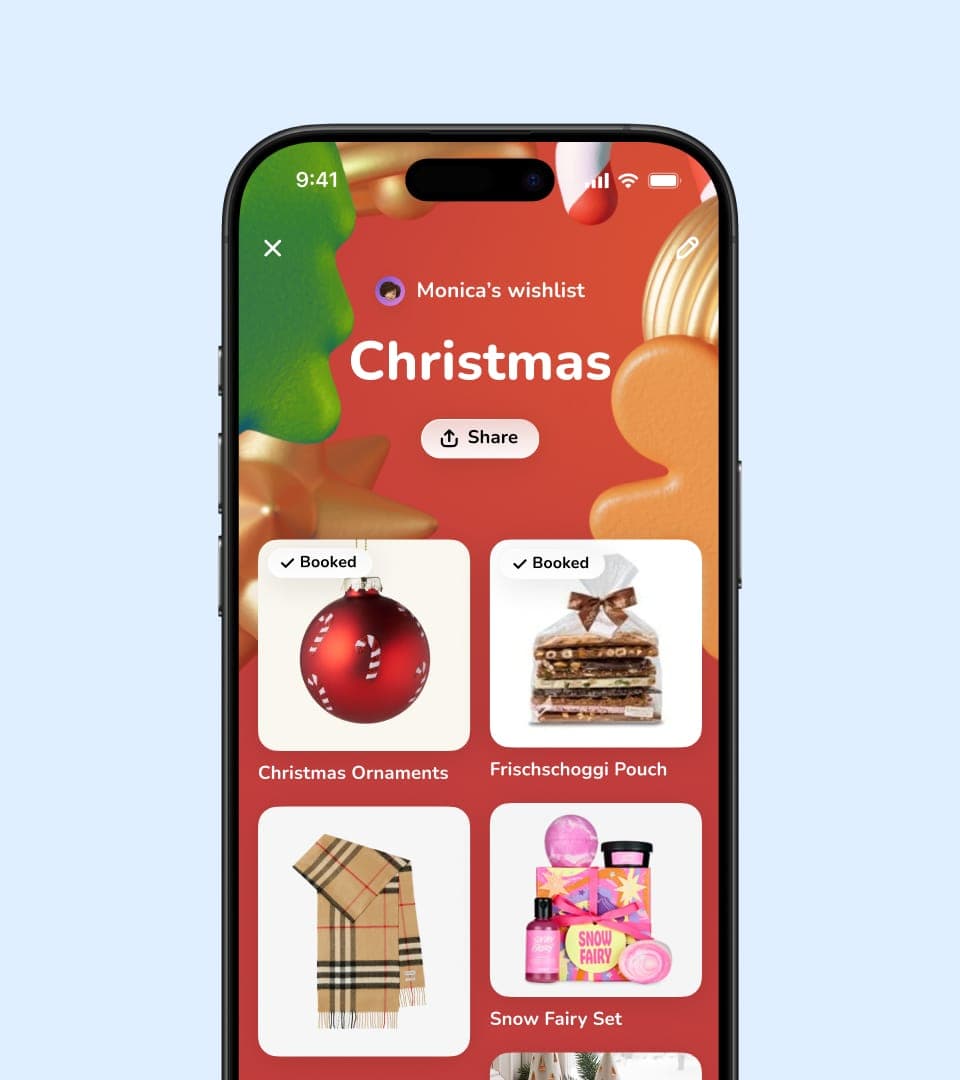
As gifts are booked, your wishlist updates automatically. No duplicates and no awkward guesswork, just the things you truly want.
Make Your Christmas Wishlist
Online in Minutes
Wishes is a free Christmas wishlist maker. Add everything you’re hoping for, share your wishlist with one link, and your family can see exactly what you want, with pictures and a link straight to the right product.
You can add gifts from any store: paste a link and the photo and the name come with it, or type an idea in by hand if it isn’t something you buy online. Everything lives in one wishlist instead of being scattered across screenshots and group chats.
It’s worth writing your wishlist earlier than feels necessary. Relatives who mail their presents need time, popular things sell out, and one that arrives in December has already missed most of the shopping. Whoever you send it to can open it in a browser without an account.
Rather have it on paper? The free printable Christmas wishlist template lets you fill it in and print it, or print a blank one to write on by hand.

Not Sure What to Put on It?
If you’re not sure where to start, our guide walks through what to put on a Christmas wishlist, how many things to add, and when to send it so gifts arrive in time.
We Bring Joy
to Holiday Season

I’ve just set up my Christmas list on Wishes, and it’s brilliant! No more guesswork. My family knows exactly what I fancy this year 🎅
Emma
Just started using Wishes for my Christmas list, and it’s great! Adding gift ideas is so easy!
James
Wishes is a real lifesaver! I can share all my kids' wishes with the family, making holiday prep for Christmas so much easier 🎄
Tanya
Questions and Answers
How do I make a Christmas wishlist online?
Create a wishlist in Wishes, add what you’d like by pasting a product link from any store, then share it with one link. Your family can open it in a browser without an account; booking a gift is the one step that asks for a free sign-in with Apple or Google.
Is it free to make a Christmas wishlist?
Yes. Making your wishlist, sharing it, and letting people book gifts are all free. Wishes Plus is optional. It adds unlimited wishlists, extra themes and shared editing.
Can I add pictures to my Christmas wishlist?
Yes. When you paste a product link, Wishes pulls in the photo, the name and the product page automatically, so your wishlist is something people can look through rather than a wall of text.
When should I make my Christmas wishlist?
Earlier than you think. Relatives mailing gifts need time and popular items sell out, so a wishlist shared in November gives everyone room. You can keep adding to it right up to the day.
How do I stop people from buying the same present?
When someone books a gift it shows as taken to everyone else who opens the wishlist, and on your own copy too. You’ll see which gifts have gone, but not who booked them. If you’d rather be surprised, don’t look until the day.
Can I make Christmas wishlists for my children too?
Yes. Keep a separate wishlist for each child and share each one with the relatives who need it, so grandparents aren’t guessing sizes and two of them aren’t buying the same toy.


Start Christmas Wishlist
Create the perfect wishlist anytime, fill it with what you truly want, and let loved ones celebrate by giving you exactly what you wished for.

